A Complete Guide to Building a High Converting Product Page in Shopify
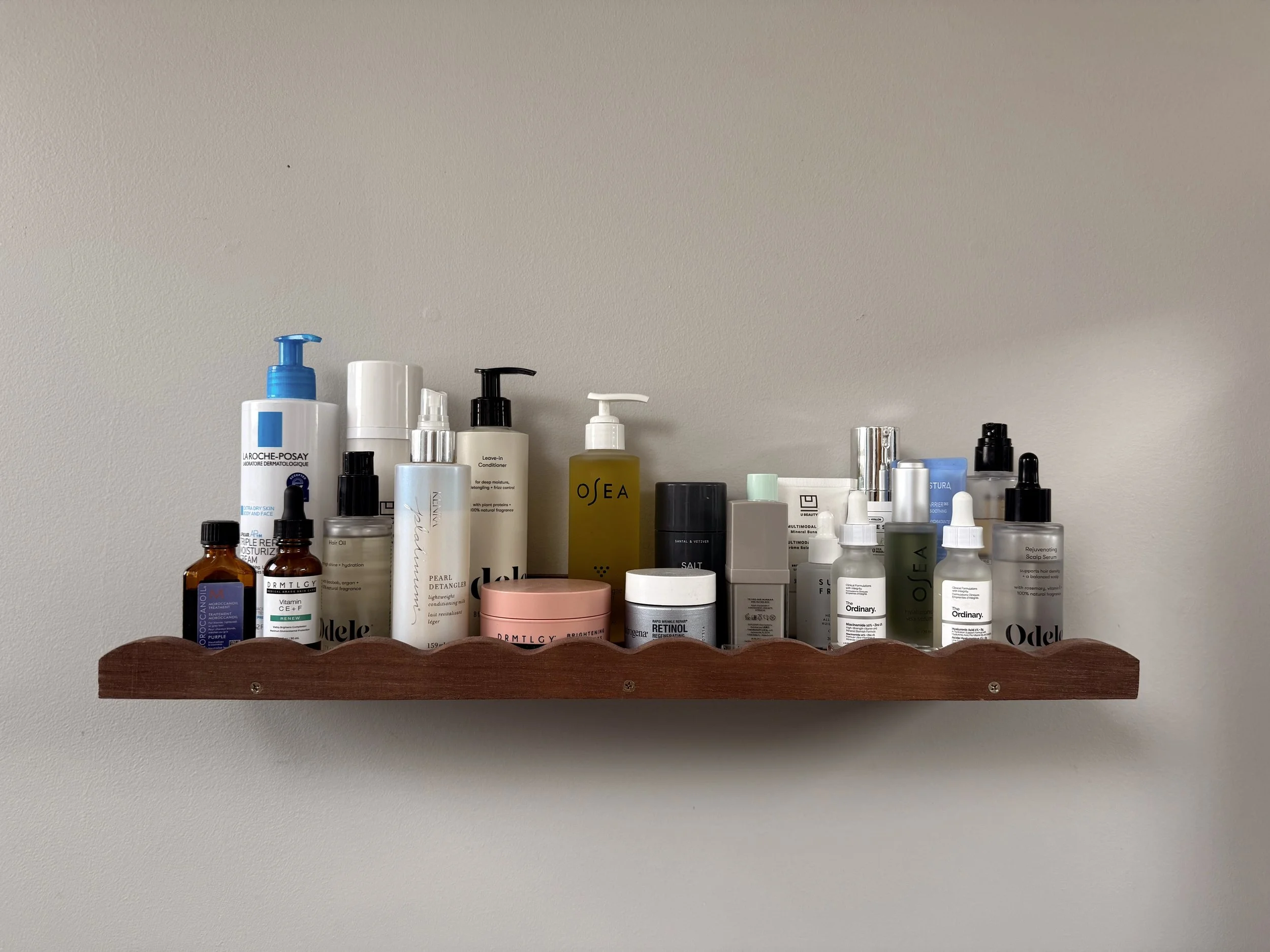
Your product page has about three seconds to answer one simple question: what is this and why should I care? If a visitor can't figure that out immediately, they're gone.
Let's talk about your product pages for a second. They're working 24/7 for your business, but are they actually doing their job? Because here's the thing: the difference between a product page that converts at the Shopify average versus one that's in the top 10% can literally mean hundreds of thousands of dollars in extra revenue every year.
I know that sounds dramatic, but stick with me. Most store owners obsess over getting more traffic, but they're missing the bigger opportunity sitting right in front of them. You could double your revenue tomorrow without spending another dollar on ads. You just need to fix what's already broken on your product pages.
And trust me, something is probably broken. Maybe it's your images. Maybe it's your descriptions. Maybe your page loads so slowly that half your visitors bounce before they even see your product. Whatever it is, we're going to fix it together.
Understanding Where You Stand Right Now
Before we dive into the how, you need to know what success actually looks like. The average Shopify store converts somewhere between 1.4% to 1.8% of visitors into customers. If you're hitting around 3.2%, you're in the top 20% of all Shopify stores. Above 4.7%? You're in the top 10%.
Here's why this matters. Let's say your store gets 50,000 visitors every month. Your average order is $75, and you're converting at that 1.5% average rate. That gives you 750 orders and $56,250 in monthly revenue.
Now imagine you improve your product pages and hit that 3% conversion rate. Same traffic, same products, same everything. But now you're getting 1,500 orders and $112,500 monthly. That's an extra $675,000 per year from the exact same number of visitors.
I want you to really let that sink in. You don't need more traffic. You need better product pages.
The stores that win do three things really well: they make everything crystal clear (so customers aren't confused), they build massive trust (so customers aren't scared), and they create seamless experiences (so buying feels easy). Master these three things, and your conversion rate takes care of itself.
Start With Clarity That Cuts Through the Noise
Your product page has about three seconds to answer one simple question: what is this and why should I care? If a visitor can't figure that out immediately, they're gone.
Your product name matters more than you think. Keep it short, descriptive, and keyword-rich. Don't get cute with creative names unless you're a massive brand that everyone already knows. "Merino Wool Running Shoes" beats "The Cloud Walker Experience" every single time. Put your most important information first and keep the whole title under 60 characters so it displays properly in search results.
Right under that title, add one strong subtitle that tells people exactly what benefit they're getting. Think of it like this: your key benefit plus what makes you different. "All-day comfort meets zero-waste design" tells me way more than "Premium footwear for the modern consumer."
And please, for the love of all things holy, use a hero image that shows your product clearly. I see so many stores using heavily filtered artsy photos that look gorgeous on Instagram but terrible for actually selling products. Your first image should be high resolution, on a clean background, with your product taking up most of the frame. Show true colors. Use natural lighting. Let people see exactly what they're getting.
Allbirds does this perfectly. Their product shots are super clean, set on simple backgrounds where you can actually see the wool texture. No tricks, no misleading filters. Just honest photography that builds instant trust.
Use Images That Actually Help People Decide
Product photos are doing the heavy lifting in your store because customers can't touch or try on your products. Your image gallery needs to answer every visual question someone might have before buying.
You need great shots from every angle. Front, back, sides, top. Then add close-ups that show texture and materials. Include lifestyle photos with real people actually using the product. Show scale reference shots so people understand the size. If you have different colors or styles, show all of them clearly.
Research shows that 70% of buying decisions come purely from visual content. The more clearly someone understands what they're getting, the more confident they feel clicking that buy button.
Now here's the catch. Those gorgeous high-res images need to load fast, or none of this matters. Convert everything to WebP format because it's 45% smaller than JPEG with the same quality. Compress every single image. Name your files descriptively like "black-leather-bag-front-view.webp" and add alt text that actually describes what's in the photo. This helps with Google Image Search rankings too, which brings you free traffic.
Gymshark really gets this right. They show their athletic wear from every possible angle, on models with different body types and skin tones. You get close-up fabric shots so you can see the quality. They even show products in actual gym settings. When you buy from Gymshark, you know exactly what you're getting because they've shown you everything.
Write Descriptions That Feel Like a Conversation
Stop writing feature lists. Nobody cares that your water bottle is made of stainless steel or has double-wall insulation. Well, they do care, but not in the way you think. They care about what those features mean for their actual life.
Start your description by calling out the problem. "Tired of workout leggings that slide down during your hardest sets? Frustrated with fabric that loses its shape after a few washes?" Make your customer feel understood.
Then introduce your product as the hero. "Meet the Performance Pro Leggings. They stay put through your toughest workouts and hold their shape through 100+ washes."
Now translate every single feature into a benefit. Instead of "four-way stretch fabric," say "moves with you through every squat and lunge without restriction." Instead of "moisture-wicking technology," say "keeps you dry and comfortable during intense cardio sessions."
Sprinkle in some social proof naturally. "Trusted by over 50,000 fitness enthusiasts" or "Featured in Women's Health Best Workout Gear 2025" works way better than a hard sell.
End with reassurance. "Try them risk-free for 30 days. If they're not the best leggings you've ever owned, return them for a full refund."
Keep everything scannable. Write 300 to 500 words total, use short paragraphs of just two or three sentences, add subheadings to break things up, and bold your key benefits so people who skim can still get the main points.
Glossier nails this approach. Their descriptions sound like advice from a knowledgeable friend, not a salesperson. They explain benefits in everyday language and casually mention things like "dermatologist-tested" without being pushy about it.
Make Your Buy Button Obvious
This should be simple, but so many stores mess it up. Your "Add to Cart" button needs to be exactly where people's eyes naturally land. Don't bury it. Don't make it blend in. Don't hide it behind a wall of text.
Use a button color that pops against your page design but still fits your brand. Make the text action-oriented like "Add to Bag" or "Get Yours." Put your size and color selectors right above that button. Show your price clearly and boldly.
The button should be visible above the fold, meaning people can see it without scrolling. On mobile, add a sticky version that stays visible as they scroll through your description. Then repeat it again after your full product description for people who read everything before deciding.
Under that button, add a quick trust line. "Free shipping on orders over $50" or "30-day money-back guarantee" or "Secure checkout" does wonders for reducing purchase anxiety.
Allbirds shows you exactly how to do this. They display multiple payment options right on the product page, not just at checkout. They put "Free shipping and returns" directly under the Add to Cart button. Their size guide opens in a popup without you leaving the page. Everything about their setup screams "this is easy and risk-free."
Get Smart About Showing Your Price
How you display your pricing affects buying decisions more than you might think. If you're running a sale, show three things clearly: the original price crossed out, the percentage saved, and your new sale price big and bold.
Payment plans are huge right now. Offering Buy Now Pay Later through Shop Pay, Klarna, or Afterpay can seriously boost your conversions. Show it prominently right under your main price: "Or 4 interest-free payments of $24.37 with Shop Pay."
By 2025, BNPL payments are going to exceed $560 billion globally. For any order over $100, payment plans massively reduce that sticker shock that makes people hesitate.
Gymshark does this really well. They show Klarna and Afterpay options right on the product page and break down exactly what each payment costs. No calculator needed. This transparency appeals to younger shoppers and lets people build bigger carts without feeling the full price impact all at once.
Build Trust With Real Social Proof
Here's a truth bomb: buyers trust other buyers way more than they trust you. Research shows 93% of people read reviews before buying anything online. Your job is to make those reviews easy to find and genuinely helpful.
You want photo and video reviews from real customers. Show your overall star rating near your product title along with the total review count. Give people filter options so they can sort by most helpful or most recent. Make sure your reviews actually address common concerns like fit, quality, and value.
If you've been featured in any press or media, show those logos. Quote the best lines from that coverage. Link to the full articles if you have them.
For Shopify, Judge.me offers a solid free tier with photo reviews. Okendo has more advanced features if you want detailed analytics. Loox focuses specifically on beautiful photo review displays. These apps also add structured data to your pages, which helps those star ratings show up in Google search results and can boost your click-through rates by 15% to 30%.
Glossier shows hundreds of reviews per product with customer photos showing different skin tones and how the product actually looks in real life. They badge "Top Rated" products prominently. Their detailed reviews answer specific questions about things like shade matching before customers even have to ask.
Talk Benefits ALONG WITH Features
Customers don't care about specifications. They care about what your product does for their life. Every single feature you have needs to be translated into a benefit that matters to them.
Don't say "stainless steel construction." Say "lasts a lifetime without rust or corrosion." Don't say "500ml capacity." Say "the perfect size to stay hydrated through your morning commute." Don't say "double-wall insulation." Say "keeps your coffee piping hot for 12 hours."
Create a benefits section with simple icons that highlight your key advantages. Make it visual, make it scannable, and make every benefit about improving the customer's actual day-to-day experience.
Be Totally Transparent About Shipping and Returns
Here's a scary stat: 48% of cart abandonment happens because of unexpected costs. If you hide your shipping fees until checkout or aren't clear about your return policy, you're literally throwing money away.
Tell people exactly when their order will ship and when it'll arrive. Be upfront about shipping costs or, better yet, show your free shipping threshold clearly. State your return window, your return shipping policy, and how exchanges work.
Put all this information in an expandable section right under your Add to Cart button or in a dedicated tab on your product page. On mobile, use collapsible sections to keep everything accessible without cluttering up the screen.
Speed and Mobile Matter More Than You Think
Over 70% of your store visitors are on mobile devices. If your page loads slowly or looks messy on a phone, you're losing sales before people even see your products.
Here's what the numbers say: a 0.1 second improvement in mobile load time increases conversions by 8.4%. Pages that load in one second get conversion rates that are 2.5 times higher than pages that load in five seconds. 73% of shoppers will abandon a slow site and go straight to your competitor.
Convert all your images to WebP format and compress them. Turn on lazy loading so images below the fold only load when people scroll to them. Remove apps you're not actually using because each one adds code that slows everything down.
On mobile specifically, add a sticky Add to Cart button that appears when people start scrolling. Make every button at least 48 pixels tall so they're easy to tap. Use collapsible sections for longer content. And please, actually test your store on real phones, not just the simulator on your computer.
Allbirds product pages typically load in under 2.5 seconds on mobile. Their sticky Add to Cart button appears right when you need it. Everything is clean, simple, and designed for small screens with big touch-friendly buttons.
Use Honest Scarcity, Not Fake Urgency
Scarcity works really well when it's real. But fake urgency destroys trust forever, and customers in 2025 are smart enough to spot it immediately.
Real scarcity looks like "Only 3 left in this size" that updates based on your actual inventory. Or "127 sold in the last 7 days" that's tracking real sales. Or "Holiday collection available through December 31" when you genuinely have a limited run.
Fake scarcity is countdown timers that reset, "sale ends today" messages that never actually end, made-up inventory numbers, and generic "low stock" warnings that never change.
If you have legitimate certifications like Certified B Corp, Cruelty-Free, or Organic, show them. If you've won awards or been recognized in your industry, mention it. But don't make things up. The short-term boost isn't worth permanently damaging trust with your customers.
Allbirds does this honestly by clearly labeling "Limited Edition" seasonal colors separately from their "Classic" always-available styles. When something is truly limited, they state exact availability dates. This builds trust because customers know when they actually need to act fast versus when they can take their time.
Get Found on Google With Smart SEO
A great product page needs to help people discover you through search. Organic search traffic is free and tends to convert better than paid ads, so this matters.
Your title tag is probably the most important ranking factor. Keep it under 60 characters, put your main keyword near the front, and use a format like "Product Name | Primary Keyword | Brand Name." Make every single product title unique.
Write meta descriptions that are under 160 characters, include your main keyword naturally, and give people a compelling reason to click. Add a clear call to action.
In your product descriptions, use your main keyword in the first 100 words and then naturally throughout the rest. Don't stuff keywords everywhere, just write for humans and include them where they make sense.
Name your image files descriptively with keywords like "black-leather-bag.webp" and write alt text that actually describes what's in the photo. Keep it under 125 characters.
Make your product URLs short and readable with your main keyword included. Use hyphens between words. Something like "/products/wireless-noise-cancelling-headphones" instead of "/products/prod-1234."
All of this helps you rank in regular Google search and in Google Images, which brings extra traffic you don't have to pay for.
Perfect the After-Click Experience
Your job doesn't magically end when someone clicks Add to Cart. The cart experience can boost your average order value by 10% to 30% if you do it right.
When your slide-out cart appears, show the product thumbnail, name, and price. Let people adjust quantities or remove items. Then strategically show two to four complementary products they might want to add. Keep it simple with "Customers also bought" or "Complete your look."
If you have a free shipping threshold, show a progress bar. "Add $12 more for FREE shipping" with a visual bar that updates in real time works incredibly well.
Add trust reminders like "Secure checkout" and "30-day guarantee." Show an estimated delivery date. Include some social proof like "2,347 customers bought this product this month."
For abandoned carts (and trust me, you'll have them because the average is 70% to 85%), set up a recovery email sequence. Send the first email within an hour. "You left something behind." Send another after 24 hours with maybe a small discount. Send a final one after three days with urgency language.
Use Shopify's built-in abandoned cart feature or apps like Klaviyo if you want more advanced sequences.
Bringing It All Together
Look, building a high-converting product page isn't about finding one magic trick. It's about getting dozens of small details right so they add up to a seamless experience where buying feels natural and easy.
The stores winning right now in 2025 aren't necessarily selling better products. They're just removing every single obstacle between a curious visitor and a completed purchase. They build trust through transparency. They reduce uncertainty with detailed information. They make the entire experience feel simple and safe.
Start with your best-selling product. Go through everything we've talked about here. Fix the obvious stuff first, like your images and descriptions. Then move on to the technical things like speed and mobile experience. Test as you go. Watch what happens to your conversion rate.
Remember that the average Shopify store converts at 1.4%. Stores in the top 10% convert at 4.7%. That difference alone is worth hundreds of thousands of dollars to your business. Every improvement you make compounds with the others.
Your product pages are working around the clock for you. Make sure they're doing the absolute best job they possibly can. Because at the end of the day, the path to more revenue doesn't always mean more traffic. Sometimes it just means converting the traffic you already have.
Get started today. Pick one product. Make it better. Watch what happens. Then do it again with the next one.
The Bottom Line: Product page optimization is about clarity, trust, and experience. Remove confusion, reduce fear, and make buying easy. Do these three things consistently, and your conversion rate will take care of itself. The work you put in today compounds into serious revenue tomorrow.
Share
